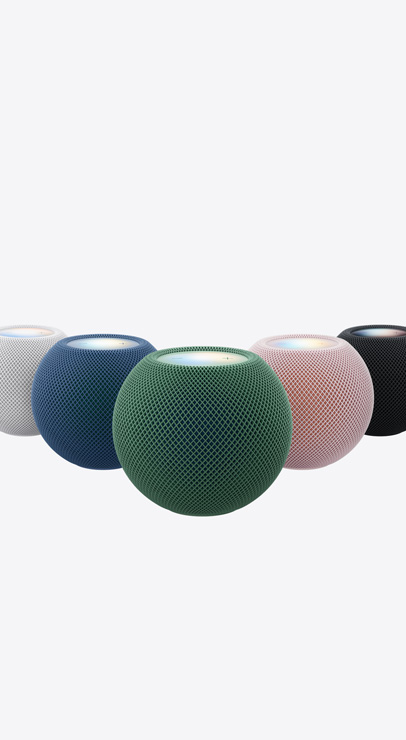
Welcome, Apple HomeView
Available starting November 13


- Apple HomeView
- Apple HomeView (Wall Mounted)
Available starting November 13
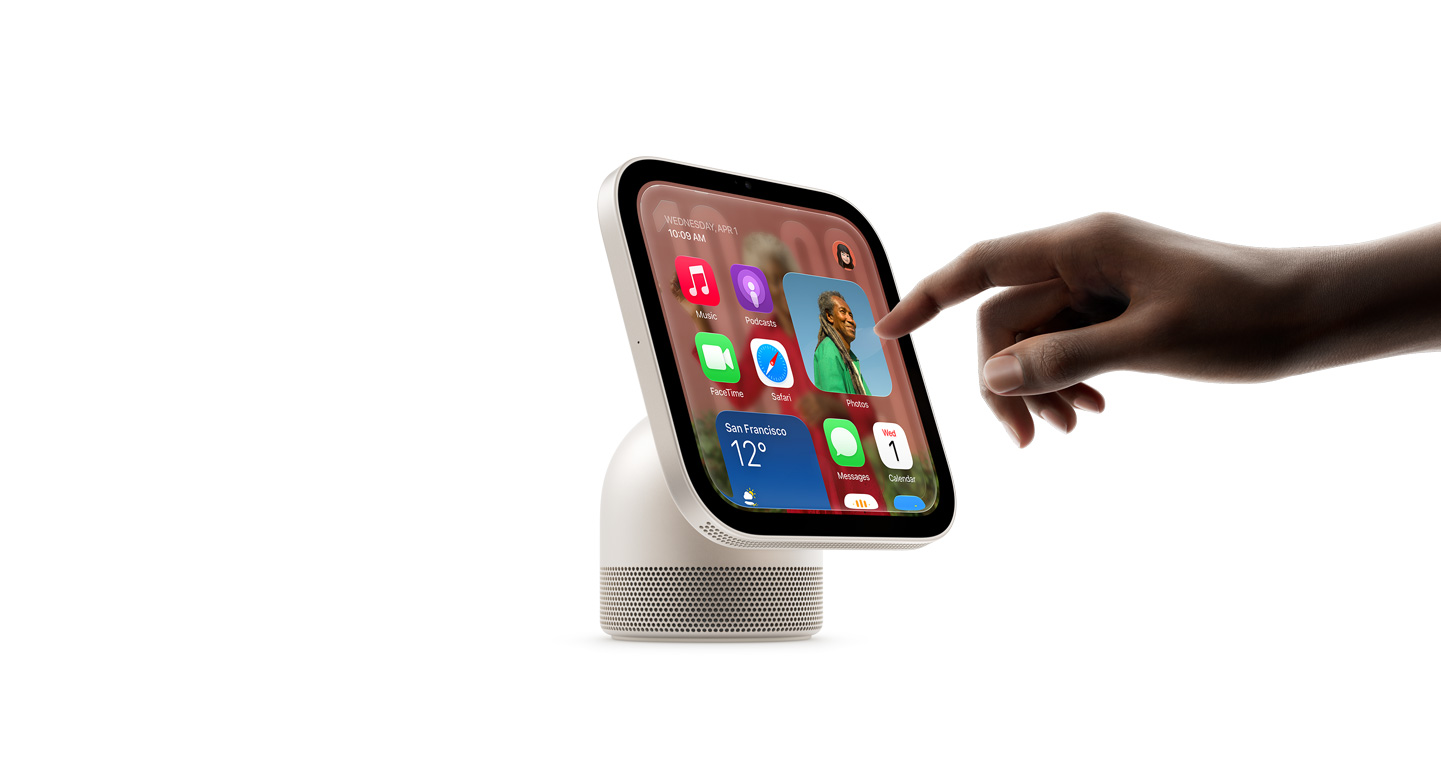
Apple HomeView keeps the whole home connected, entertained and in the know. All in one place. Private for all.
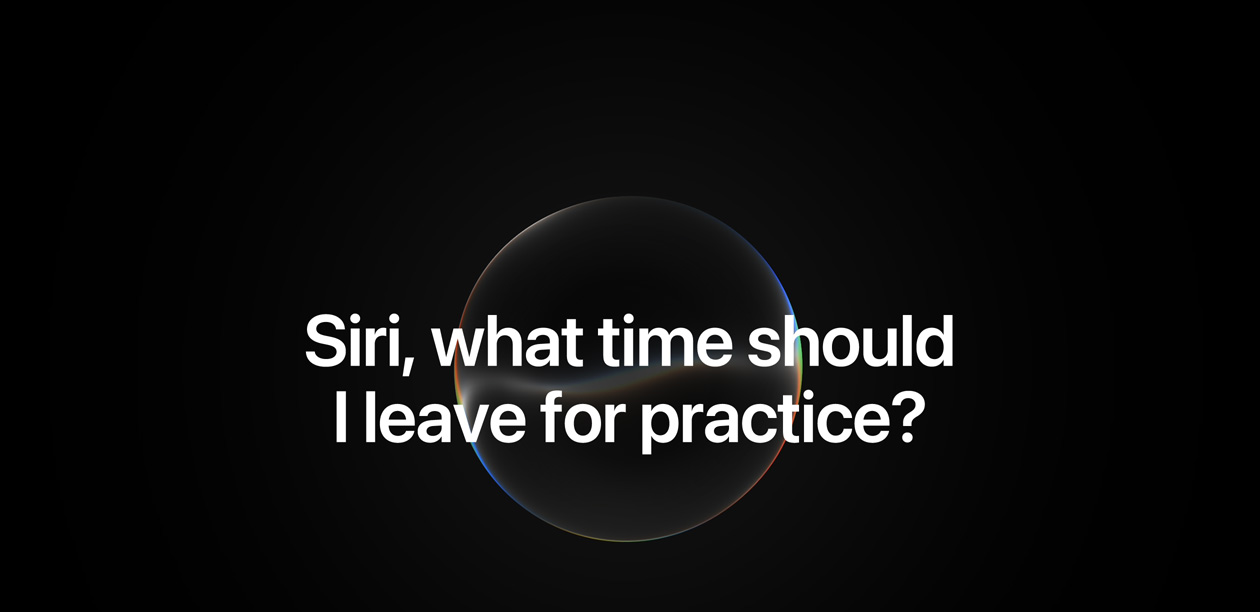
Siri AI. A personal assistant that helps you find what you need and get more done.1
Available in English to start.
Usage limits may apply.


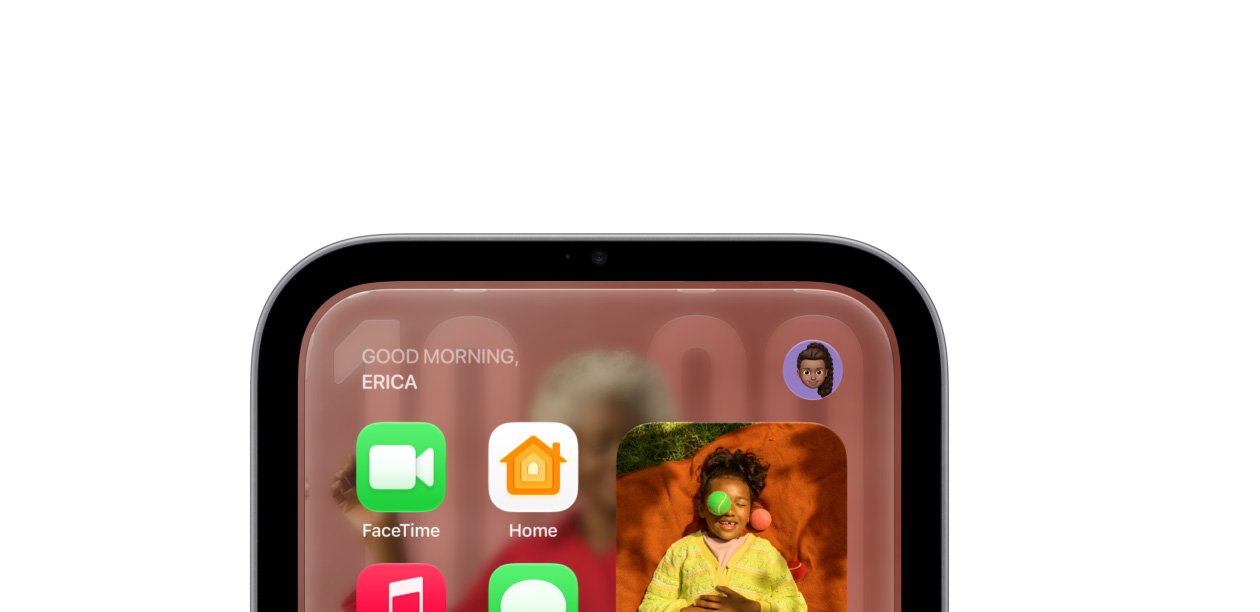
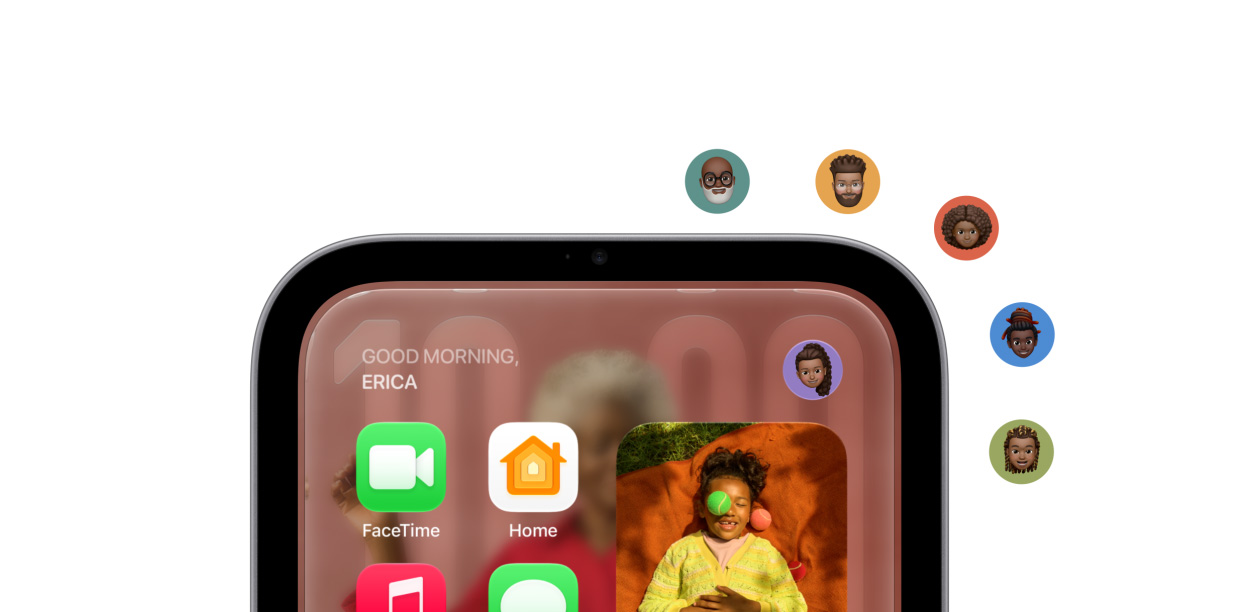
Recognises up to six people and delivers
a personalised experience for each one.
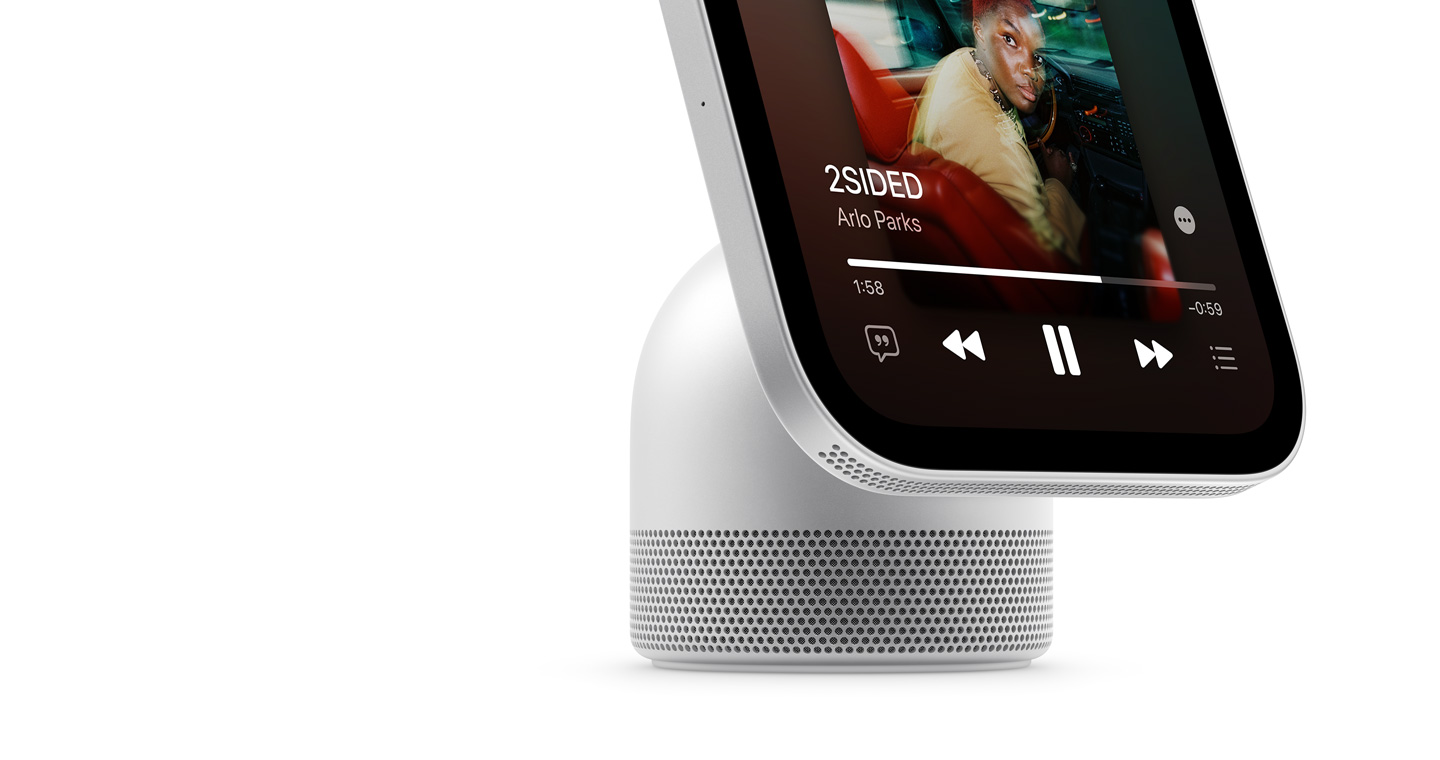
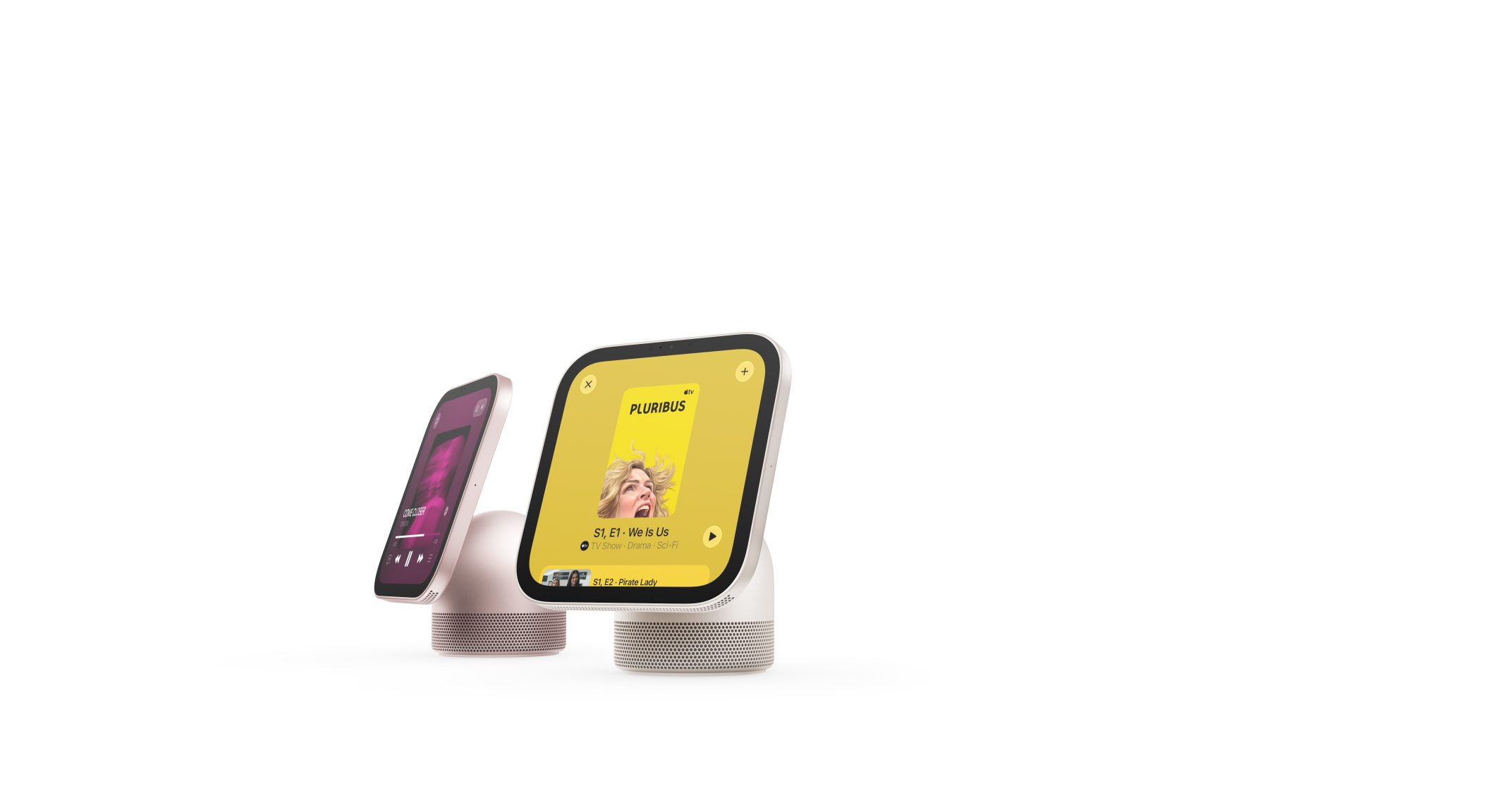
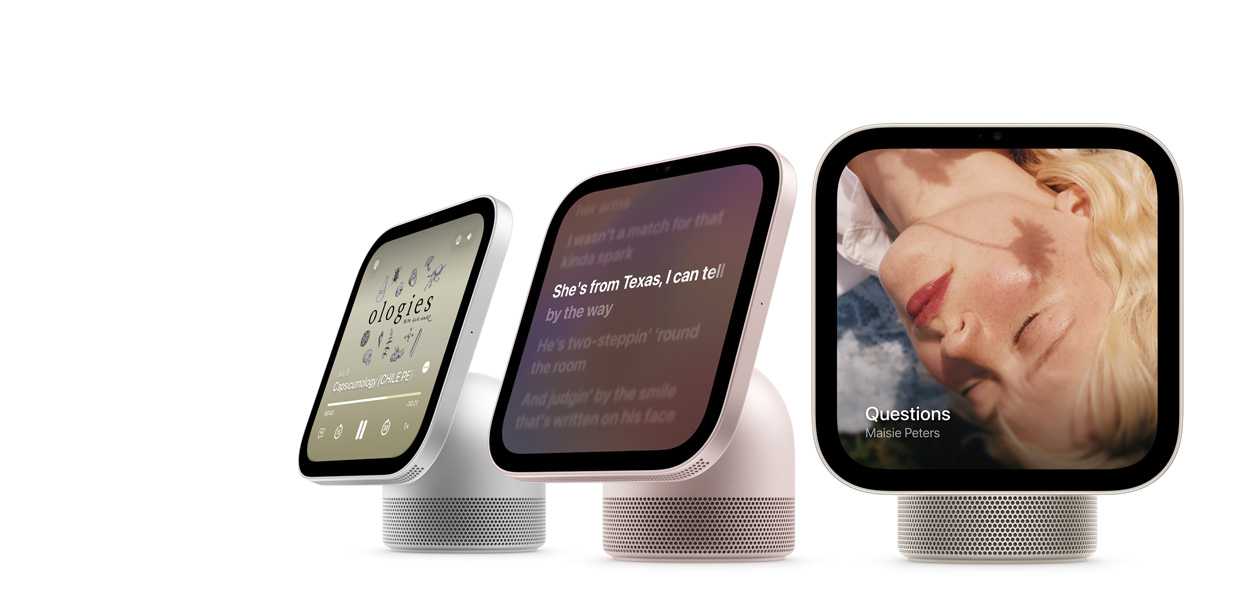
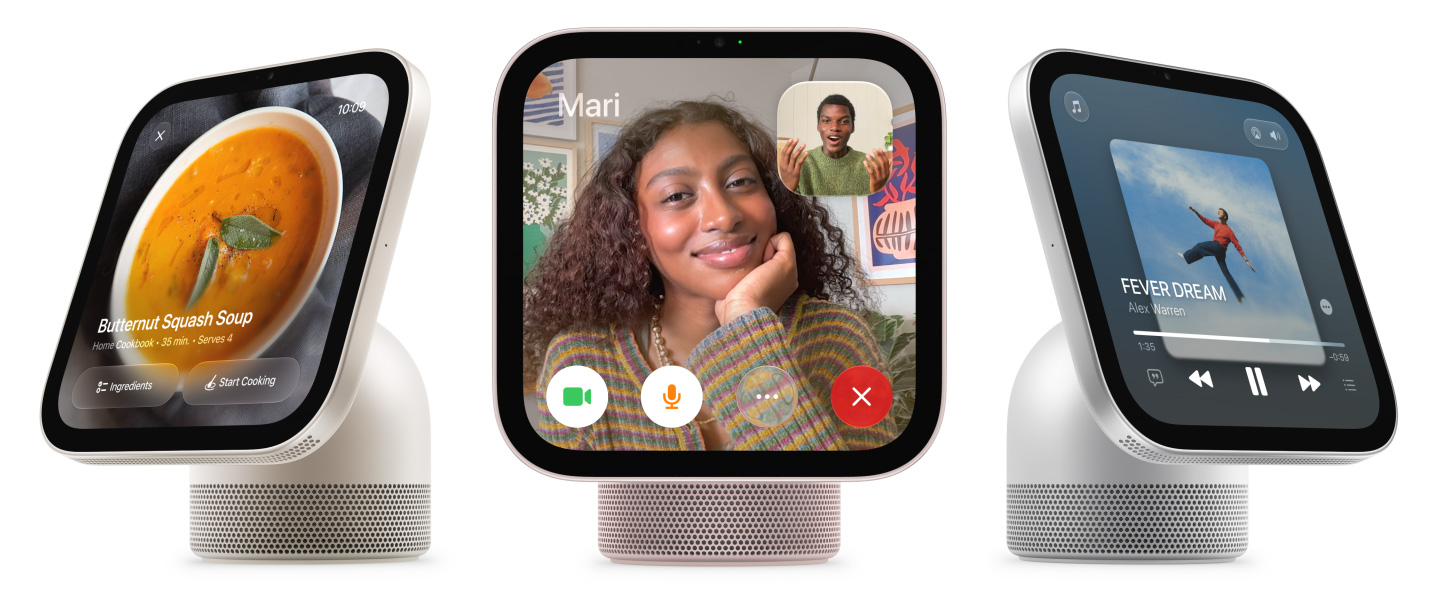
Incredible audio and stunning visuals for your music, videos, FaceTime and photos.
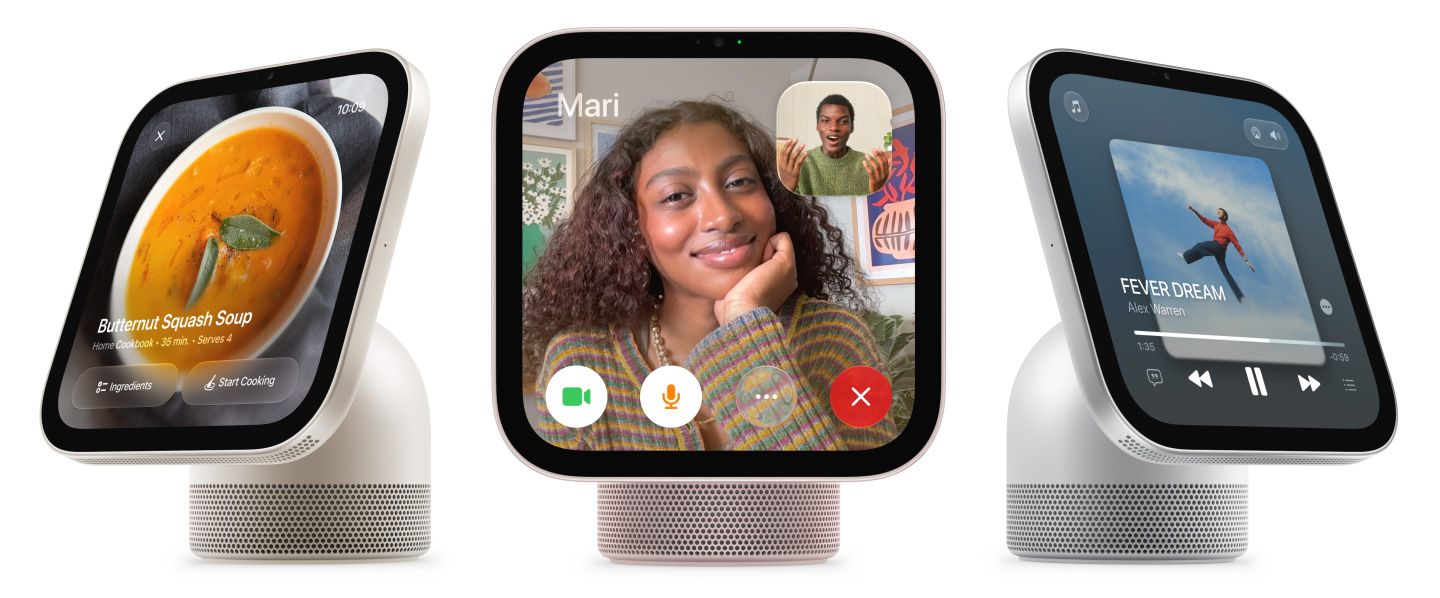
Message back. Make a call. Wave hello.
So many ways to connect, even hands-free.

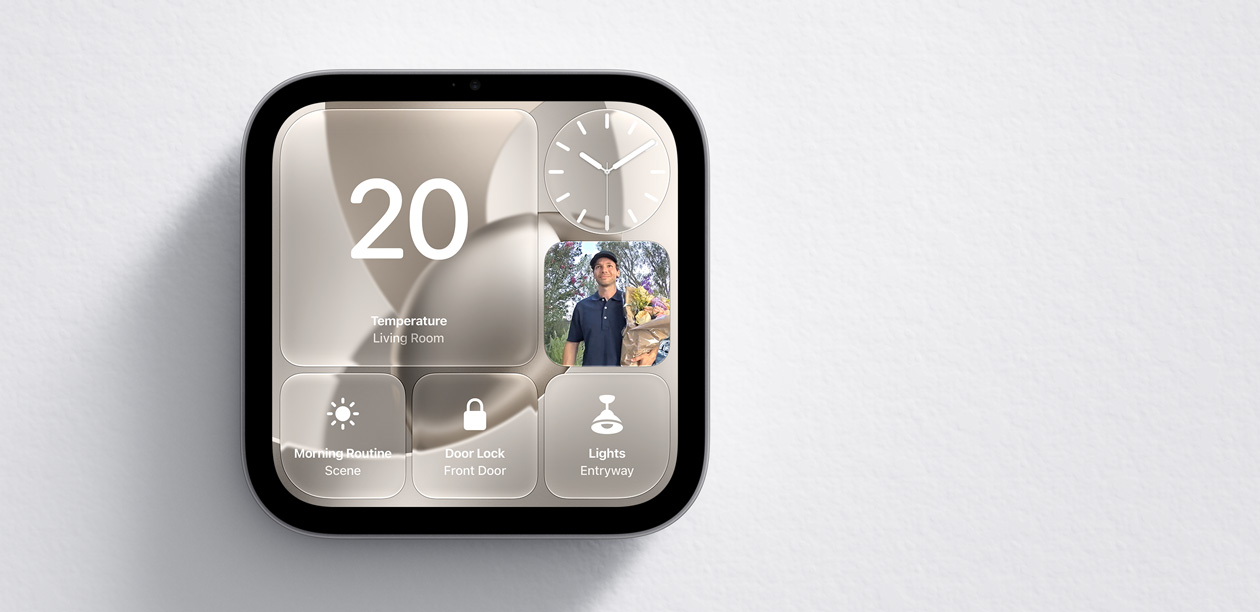
The ultimate dashboard
for your smart home.
The privacy every home
and everyone deserves.




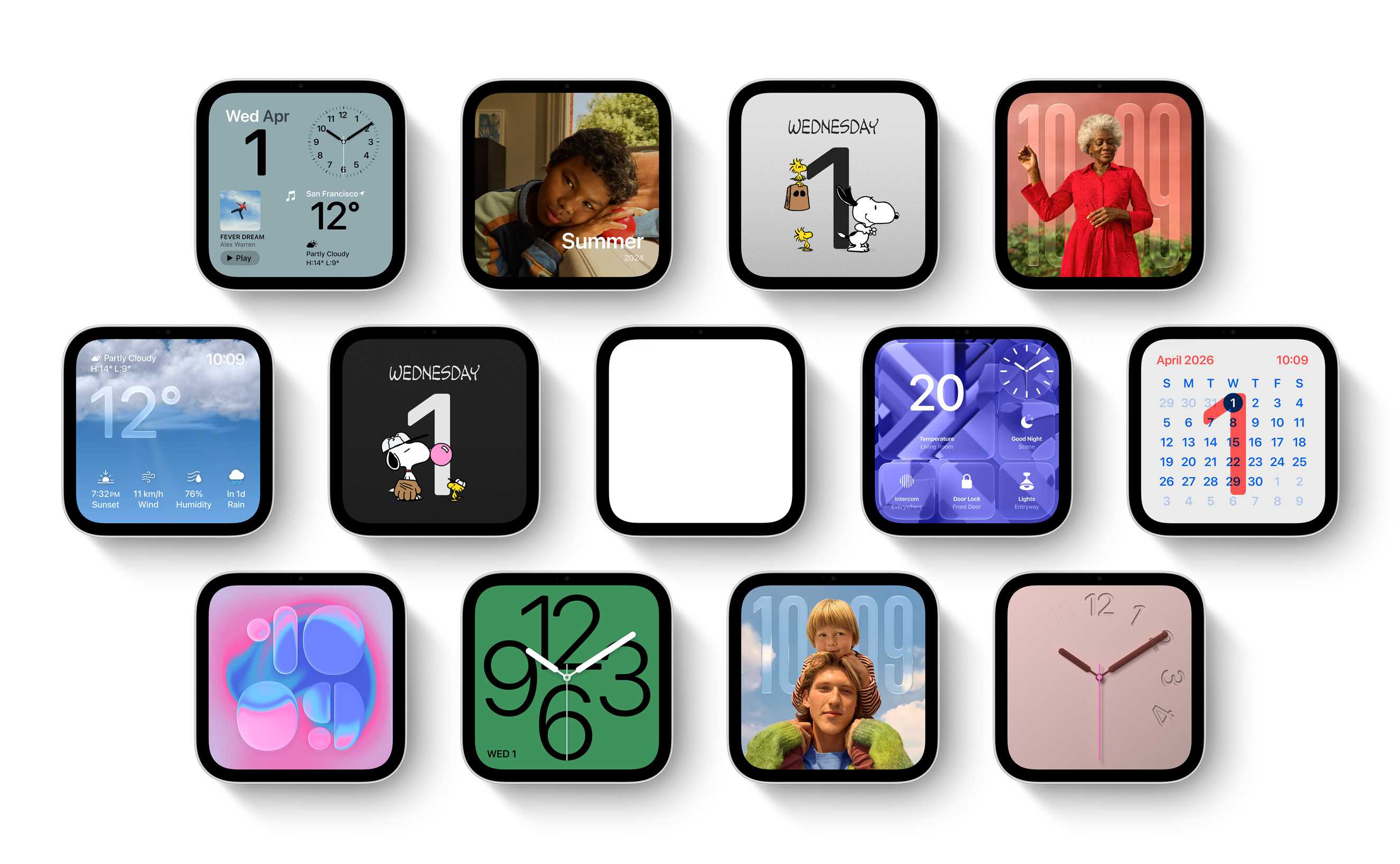
Whether a single image or a rotating gallery, photos from your collections or shared albums are beautifully framed.
Selected faces change throughout the day. They wake with you in the morning, wind down with you at night and more.
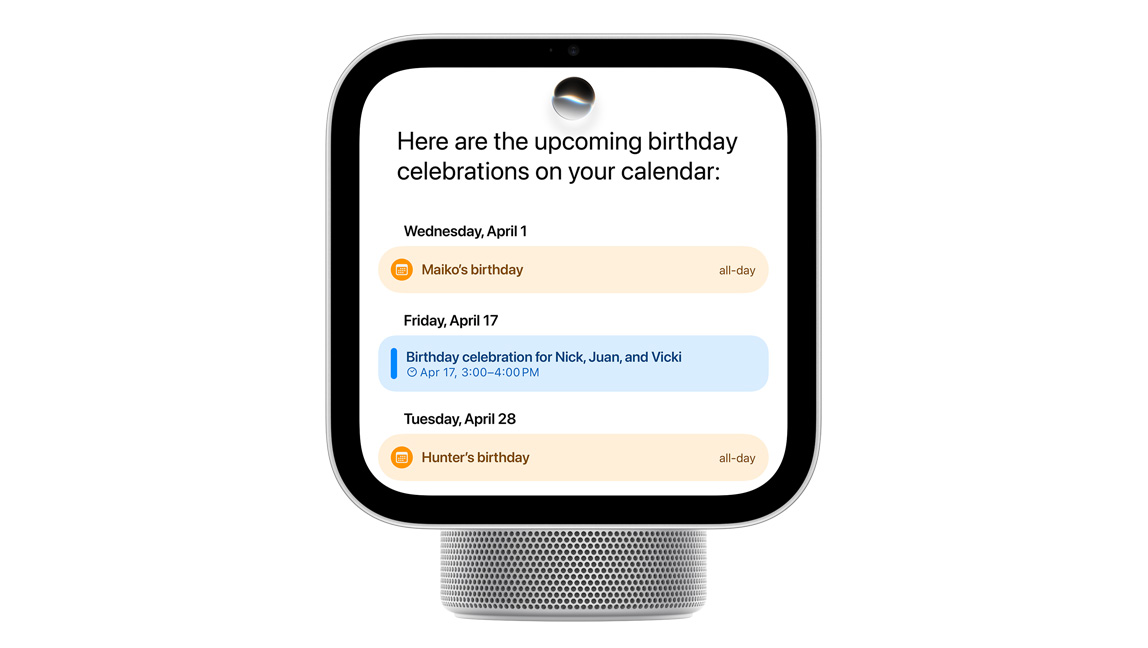
Personal Context
Pull up a party invitation from your calendar, find RSVPs buried in your messages or play the perfect soundtrack to match the vibe. Siri AI works with your paired iPhone or iPad to find relevant content just for you.1
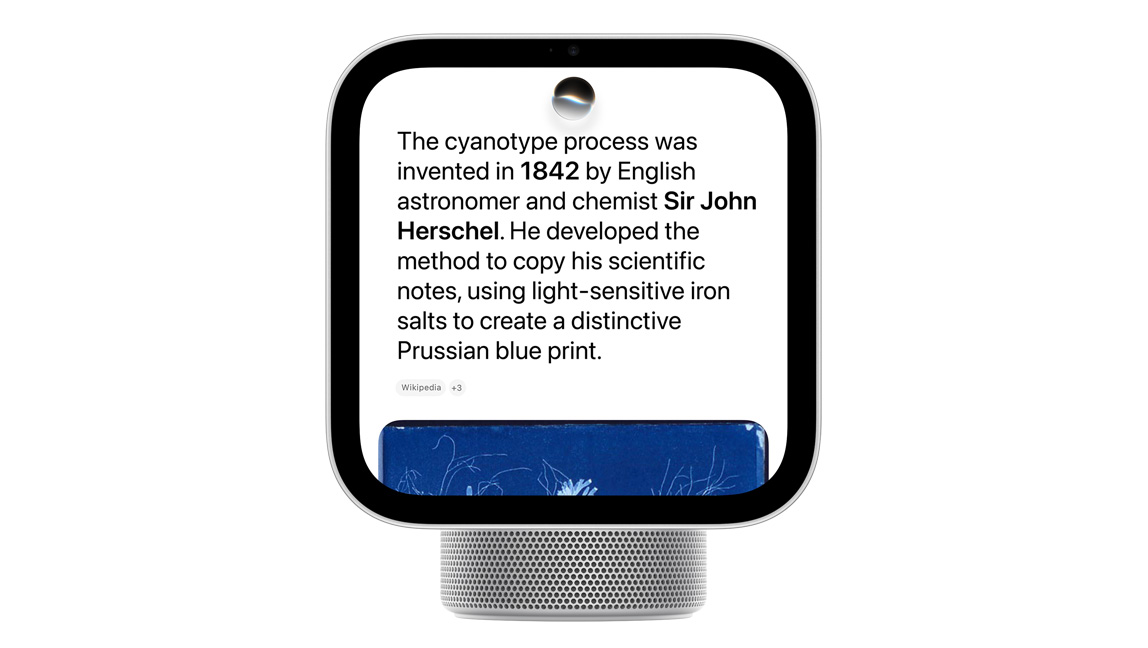
World Knowledge
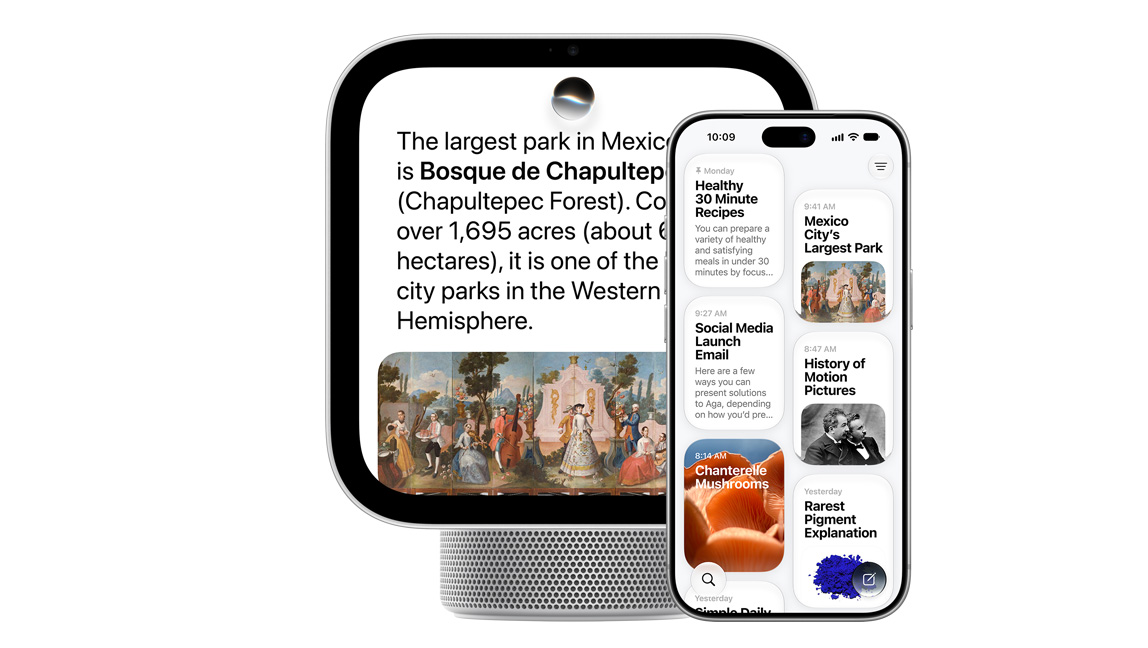
Ask about virtually any topic, from quick dinner recipes to DIY home repairs to games-night trivia. Siri AI taps into broad world knowledge to give you highly specific, up-to-date answers.
Seamless Experience
Siri AI lets you ask open-ended questions and go back and forth with natural, rich conversations. And your conversations with Siri on HomeView sync to the Siri app on your other Apple devices so you can pick up where you left off.


Apple Intelligence is designed to protect your privacy at every step. It draws on your personal information without collecting it, and Private Cloud Compute — running on Apple silicon — handles requests without ever storing your data or making it accessible to anyone, including Apple. And because Apple HomeView is made to be shared, everyone’s personal information stays separate and secure.
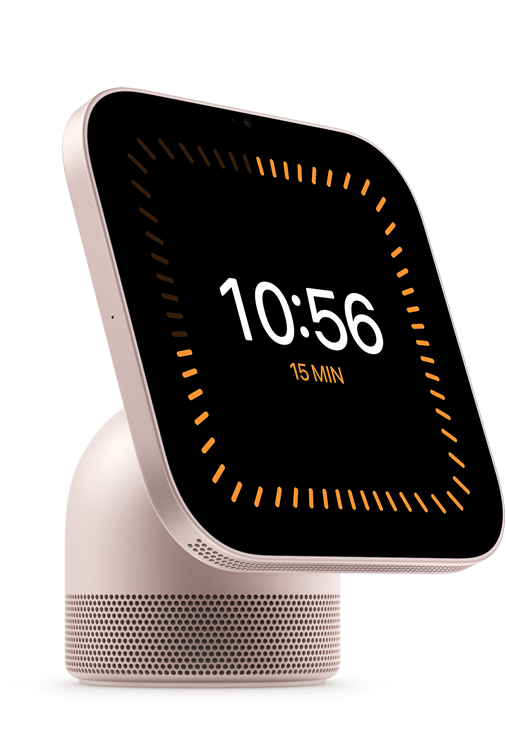
Apple HomeView does the heavy lifting when you’re busy around the house. Check your calendar, set reminders and stay on top of your to-do list. Pull up a quick craft tutorial. Ask Siri AI to recommend a new café. Start and stop multiple timers for your chores, and keep an eye on them with Live Activities when you’re using other apps.
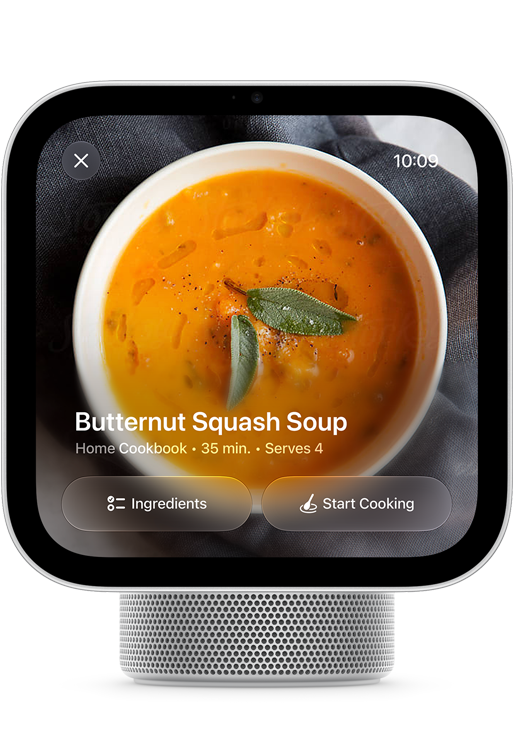
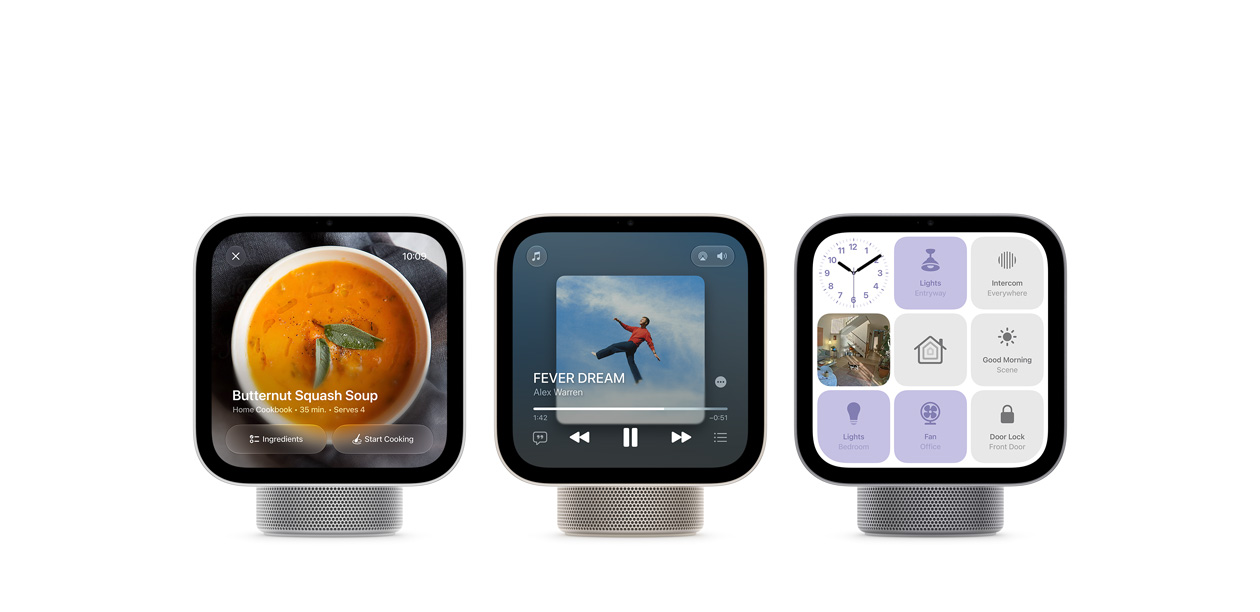
When you find a recipe in Safari, just tap the Start Cooking button to view a streamlined format that’s easy to follow.
Start a song, podcast, call, video or recipe on iPhone, and continue on HomeView without missing a beat.
Apple HomeView keeps you engaged and entertained with music, podcasts, audiobooks, TV shows and more. Have an impromptu sing-along. Immerse yourself in a good story. Keep an eye on the game while you do the dishes. With HomeView, there’s never a dull moment.
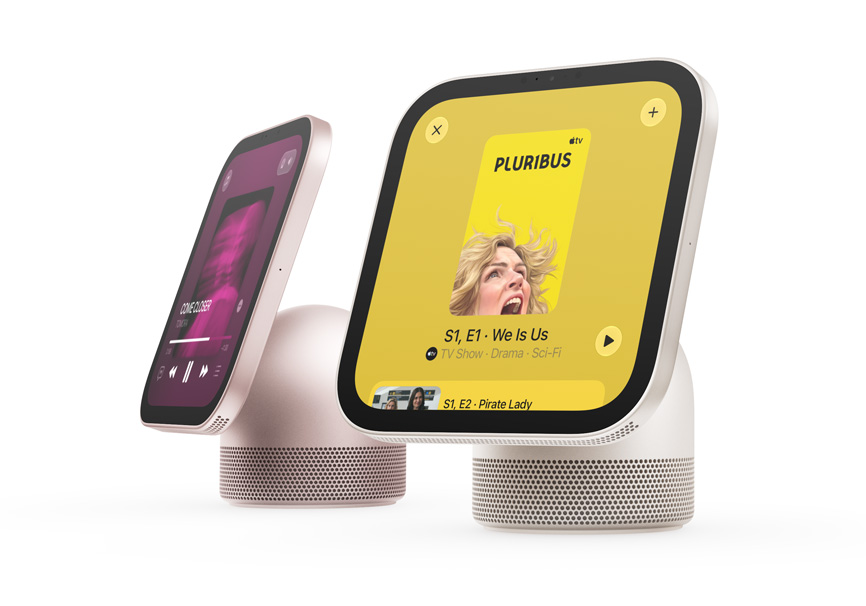
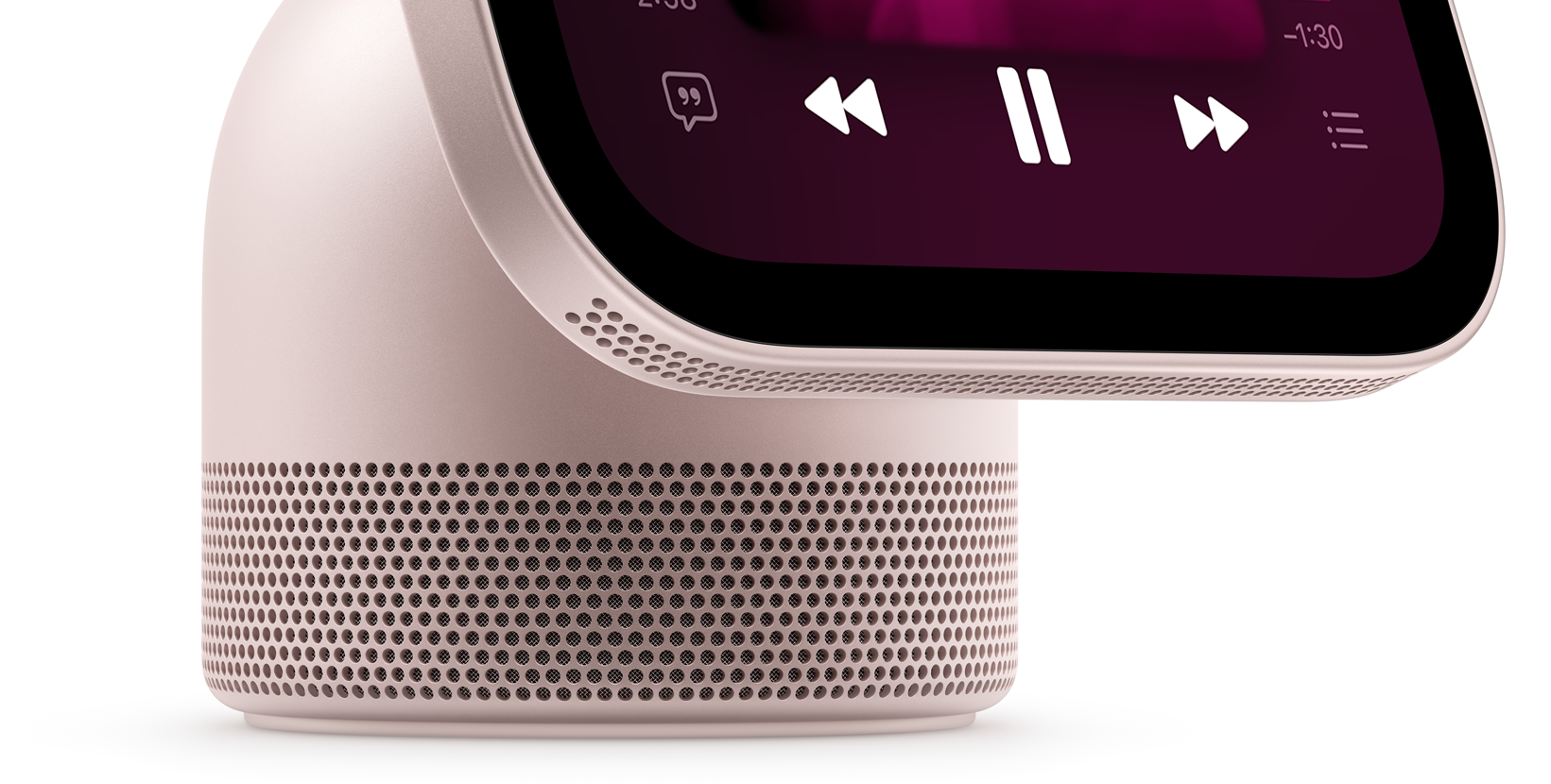
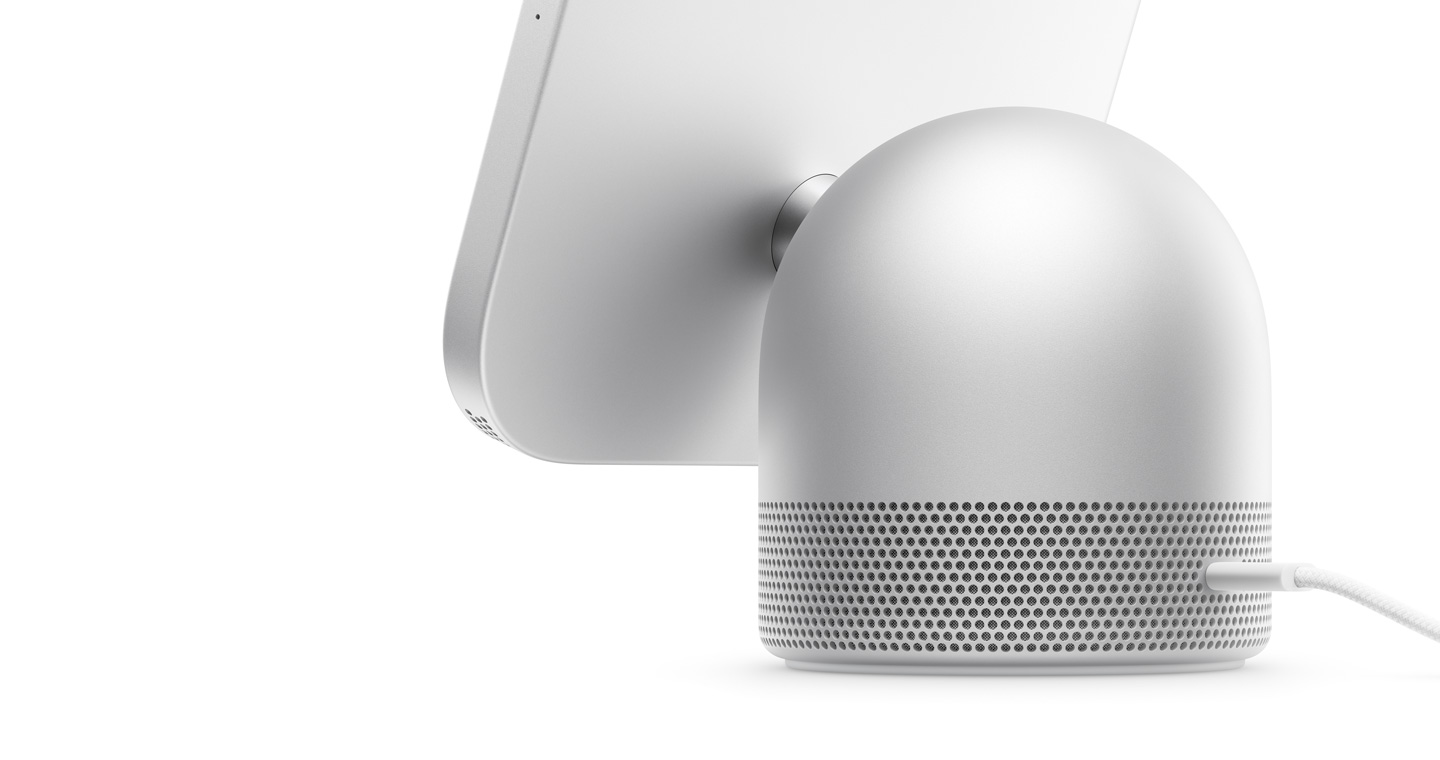
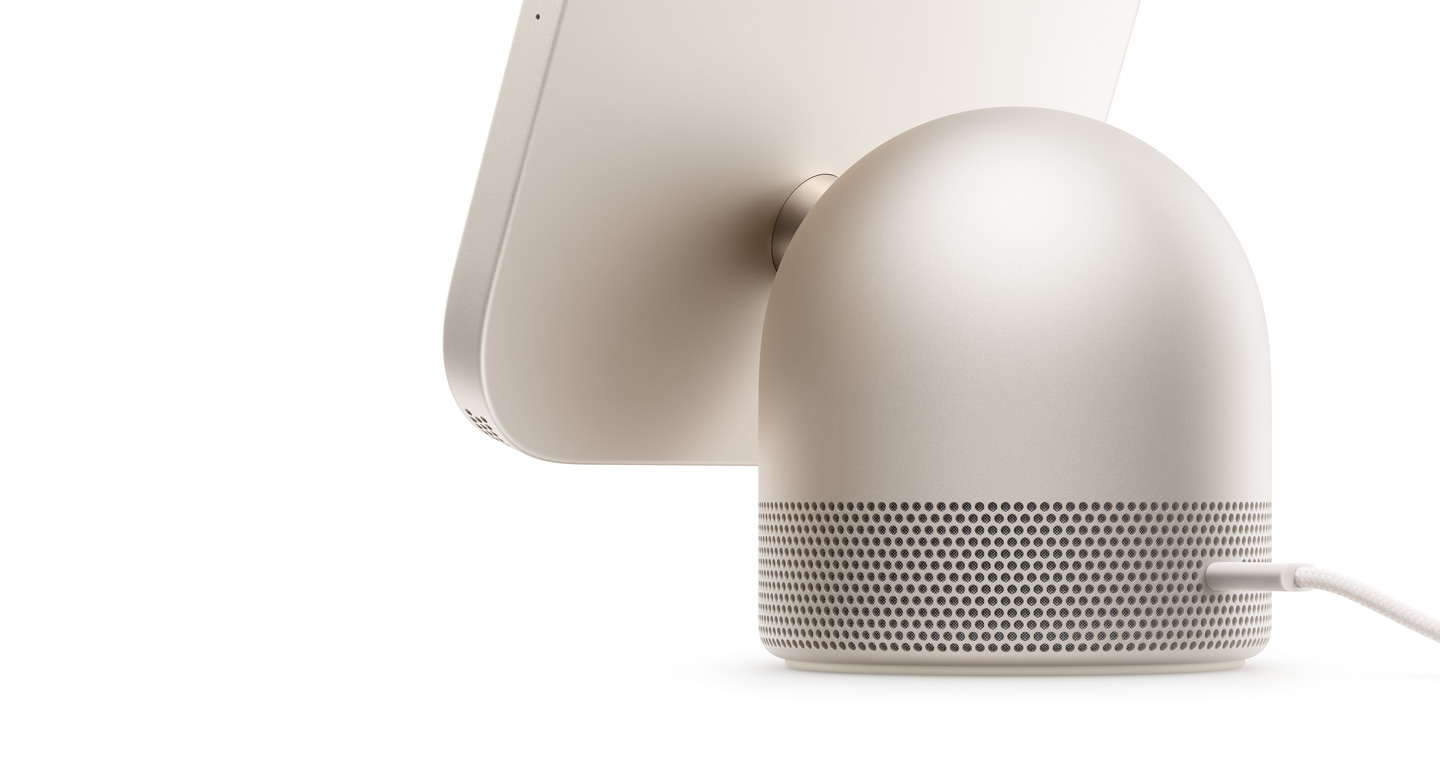
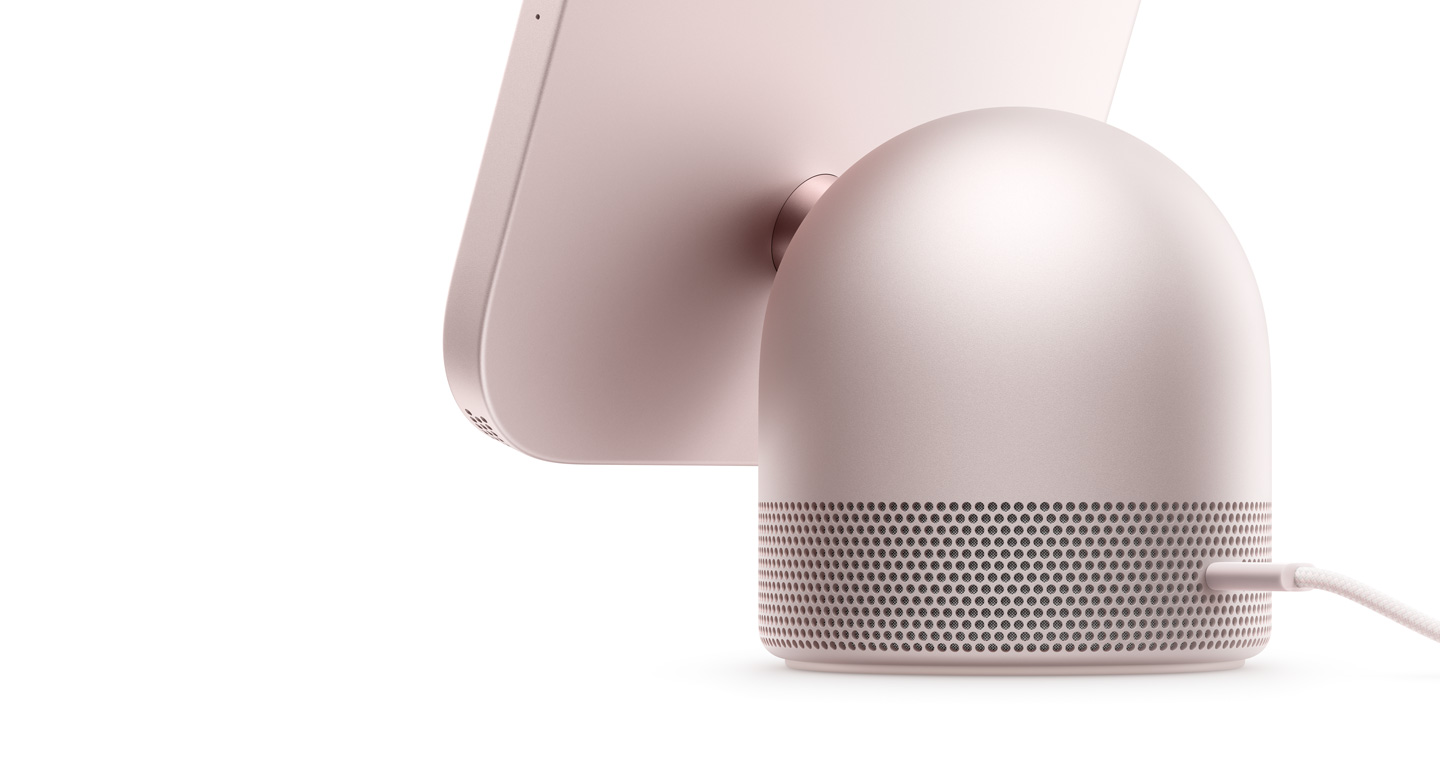
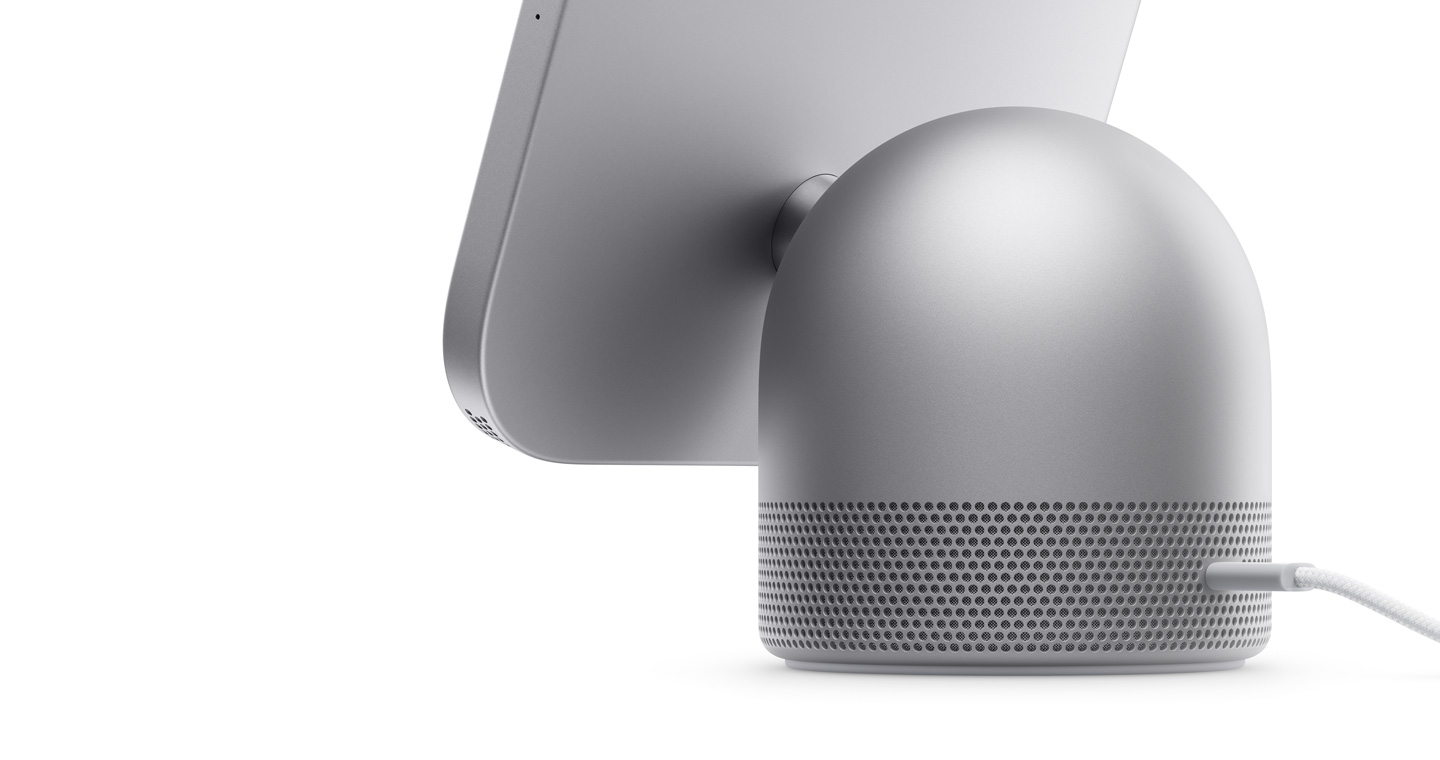
The mighty yet compact speakers pack a serious punch. Two custom-built full-range drivers in the display keep everything sounding crisp and clean while delivering room-filling Spatial Audio.4 Computational audio adjusts consistency and balance in real time to deliver incredible sound every time, from anywhere. And a down-firing woofer and two force-cancelling passive radiators are built into the base — for deep, rich bass.
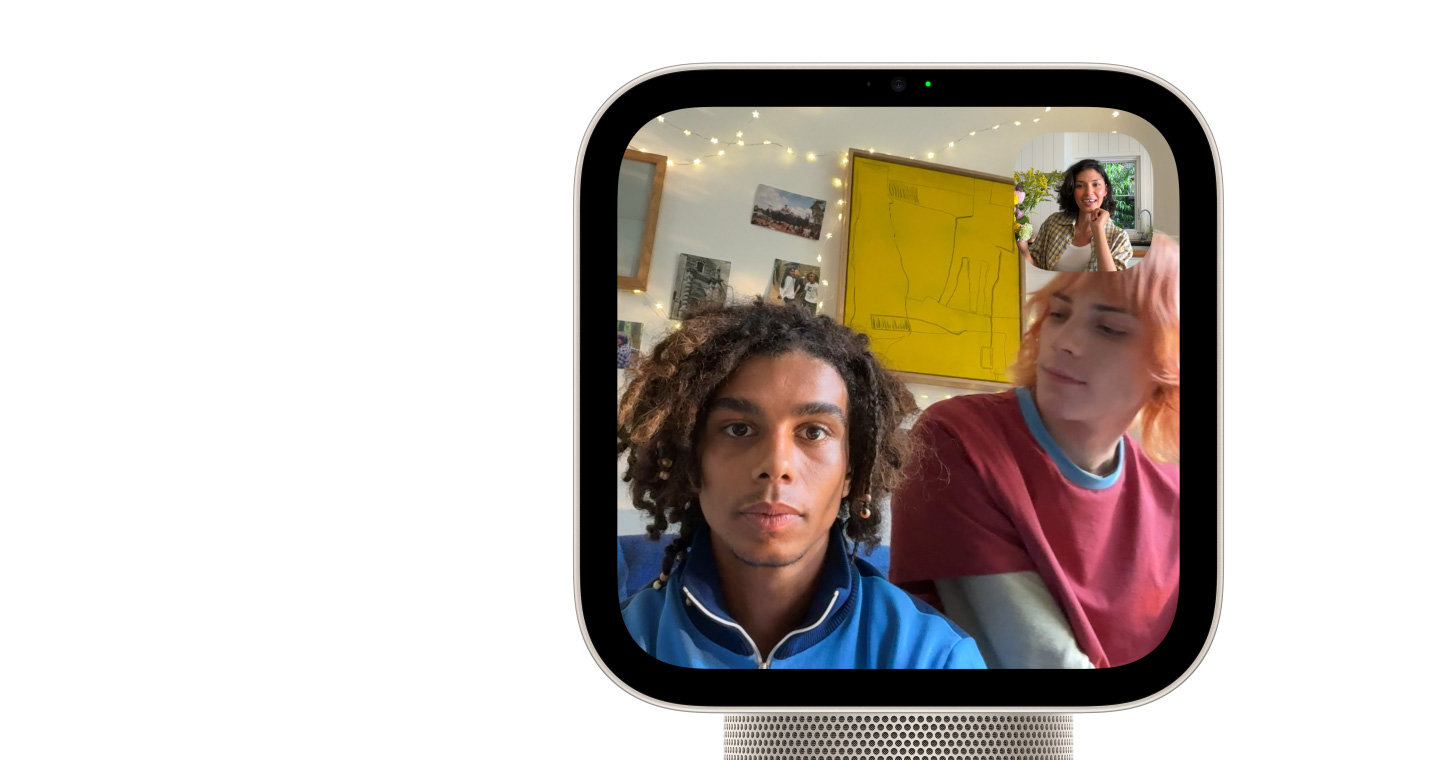
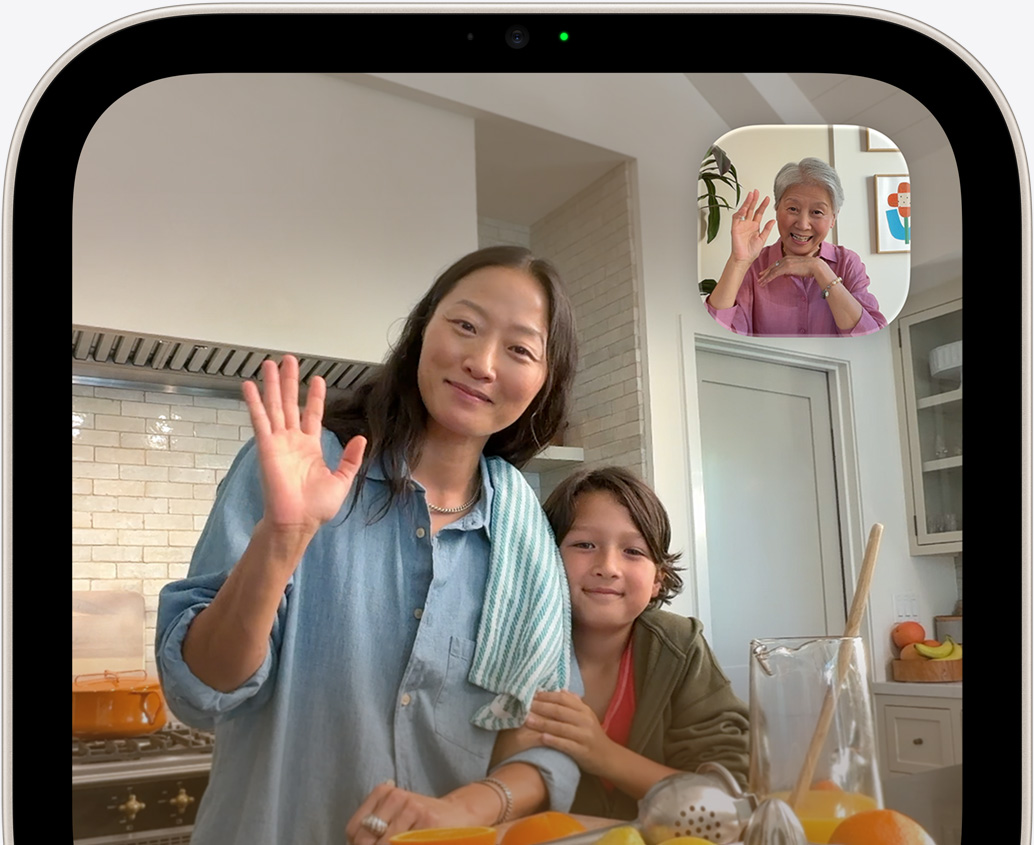
Whether you’re calling a friend overseas or calling the kids for dinner, Apple HomeView brings everyone together. Enjoy clear and hands-free FaceTime calls. Use Intercom on HomeView and HomePod speakers to communicate with people throughout the house or on their personal devices like iPhone, iPad or Apple Watch. Send messages and make phone calls using just your voice. And use Find My to help you locate your devices, personal items that have an AirTag and anybody who chooses to share their location with you.
keeps everyone in the frame during FaceTime calls, even as they move around or if more people join in.
picks up voices while reducing background noise, for clear calls and Siri requests.
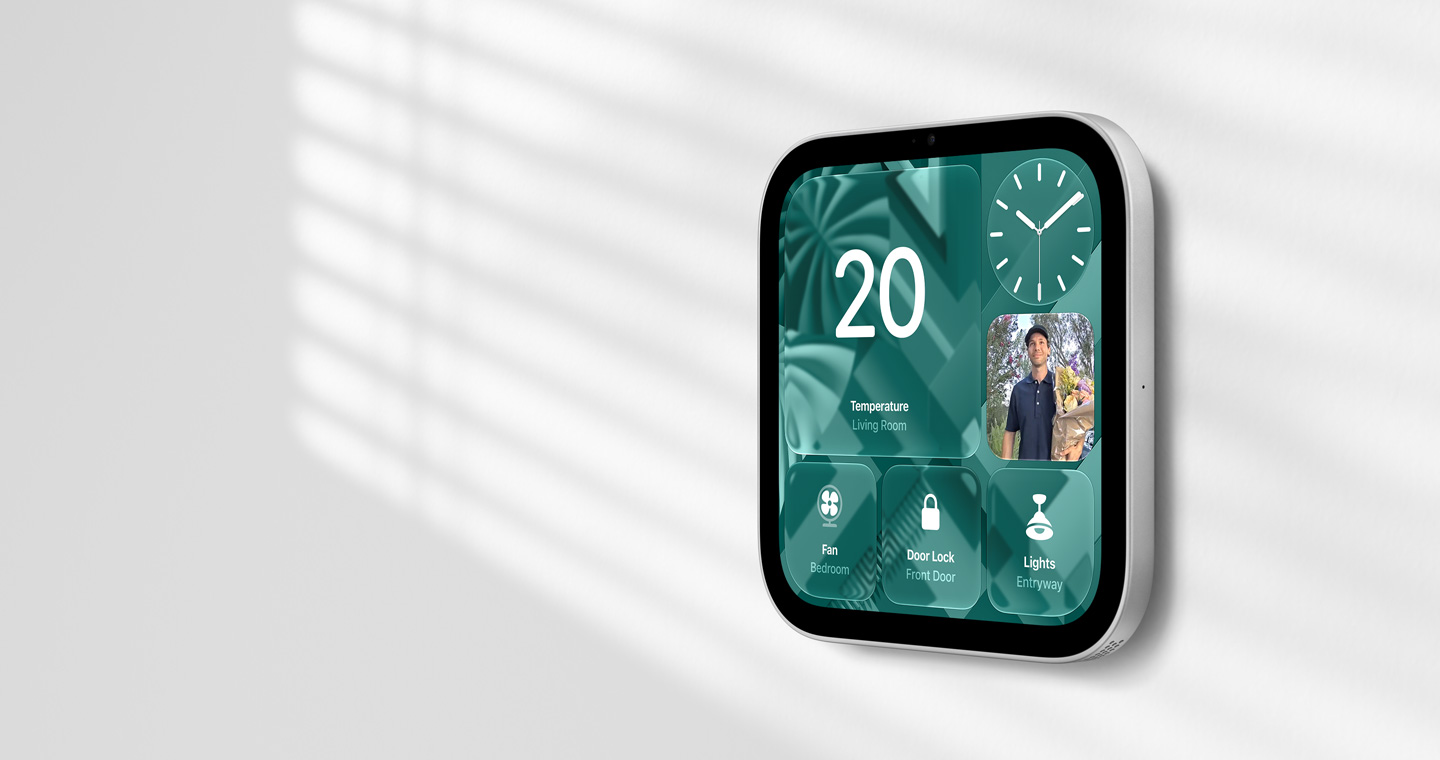
HomeView is a central hub for your smart home accessories, making it easy to keep things running smoothly.
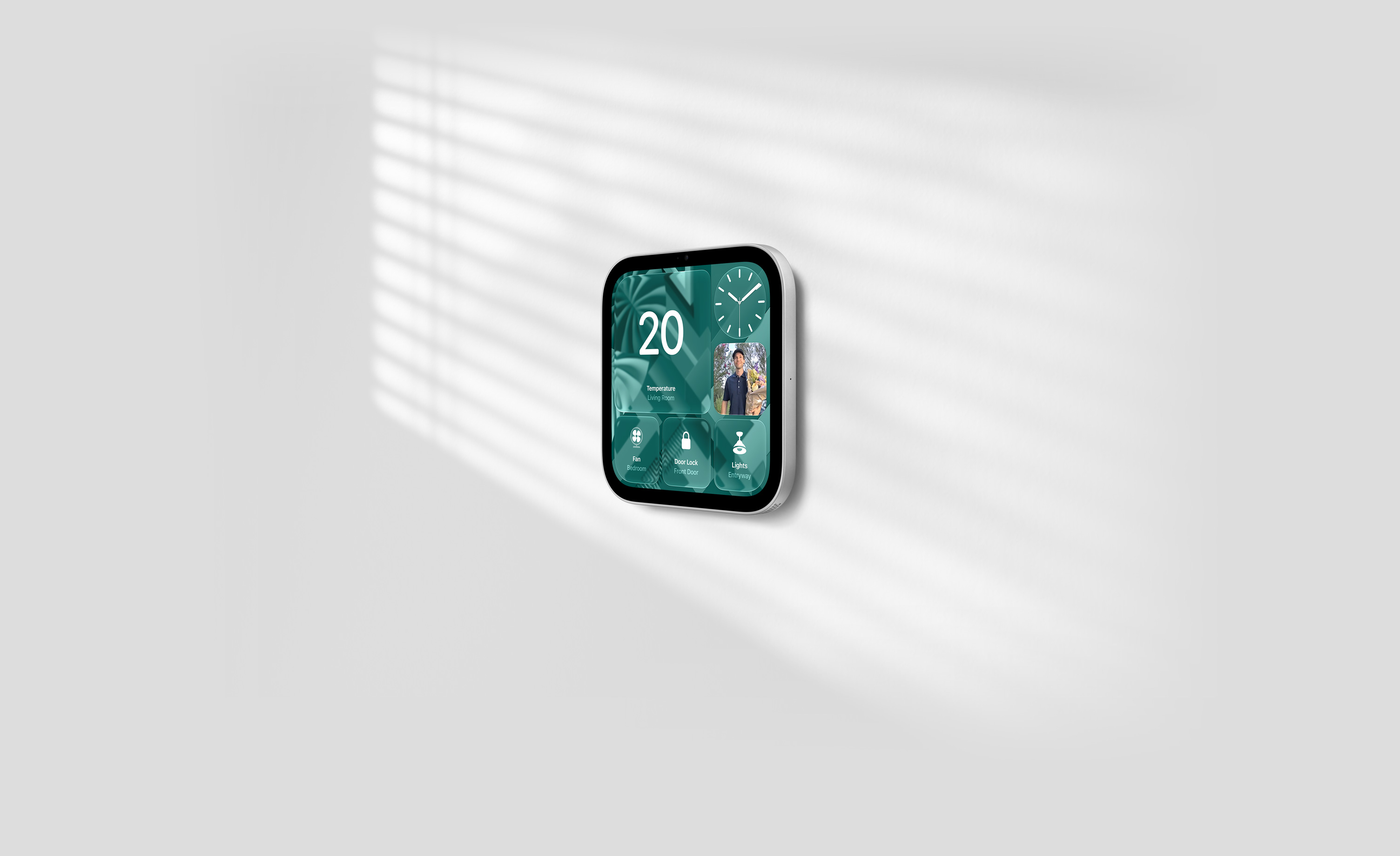

Built into HomeView and synced with your other Apple devices, the Home app keeps you on top of your smart home. See who’s at the door, monitor your entryway, access multiple video feeds, adjust the lighting, and control scenes and automations to fit the routines and rhythms of your household.11
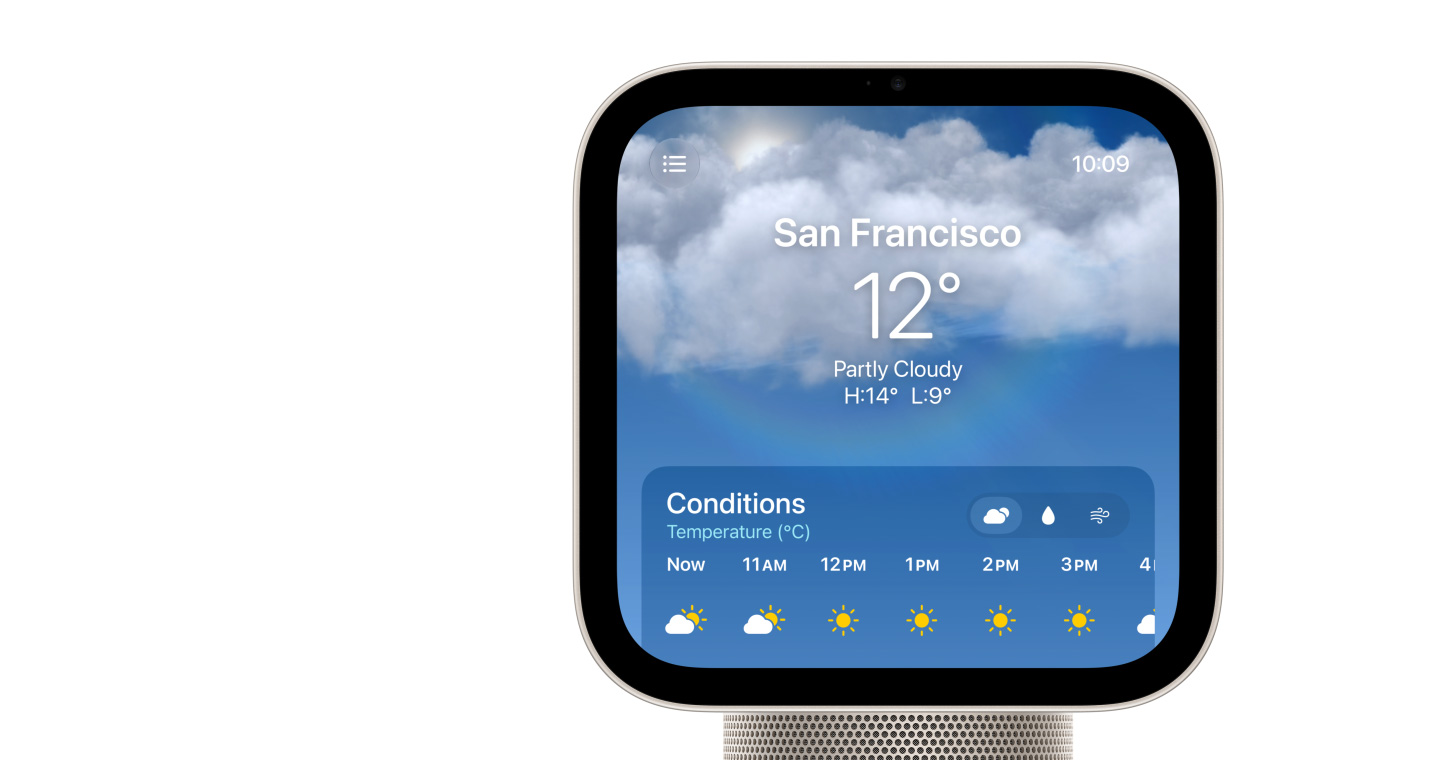
The Home Modular face gives you a clear and concise look at your home accessories, while the Home Camera face lets you stream up to nine videos at the same time. And you can manage it all with just your voice or a tap.
HomeView can detect the sounds of the smoke and carbon monoxide detectors in your home and alert you on your iPhone, iPad or Apple Watch.
The Home app uses Apple Intelligence to group related notifications together, such as when a family member arrives home, unlocks the door and disables the alarm. And with descriptions of video footage, you can use HomeView to catch up on key activity in and around the house.
Apple HomeView comes with privacy protections built in at every step. Since multiple people can use HomeView, it’s designed to keep everyone’s personal content separate.12
HomeView can recognise up to six people and seamlessly switch between them. It syncs with each user’s iPhone or iPad and is designed to show their content only when they’re using HomeView.13
The A18 chip inside HomeView contains Secure Exclaves that process the camera and microphone feeds in a secure compartment that cannot be accessed by the operating system or by Apple. This enables HomeView to recognise the face and voice of each user without exposing the audio and visual data used for recognition to the operating system.
Users can access their personal content on HomeView when their paired iPhone or iPad is connected to the same Wi-Fi network and has been recently unlocked, and HomeView recognises the person by face.
Shop with a Specialist.
Whether you shop in store or online, our specialists can help you pick something perfect.

Get your new Apple HomeView set up with help from a Specialist.
From getting started to the latest features, get tips online in a free one-to-one session.

Explore a shopping experience designed around you.
Use the Apple Store app to get a more personal way to shop.